How it works
Healthy habits, made simple
Four simple steps from download to a clear picture of your daily health.
Step 1: Download Cayo AI
Get the app from Google Play or the App Store and create your account.
Step 2: Set your goals
Tell Cayo AI a little about yourself and what you want to achieve so your daily targets fit you.
Step 3: Scan and log
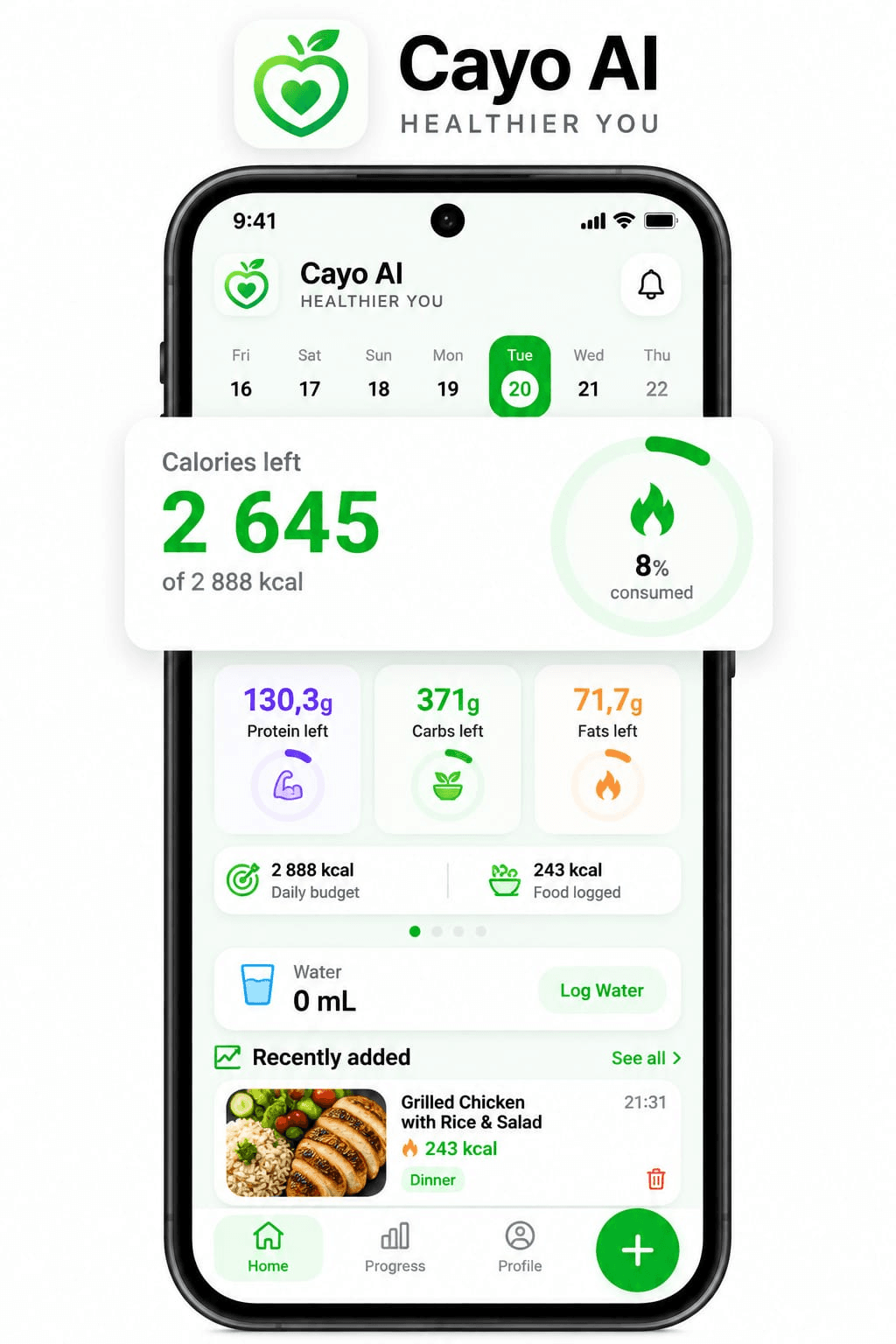
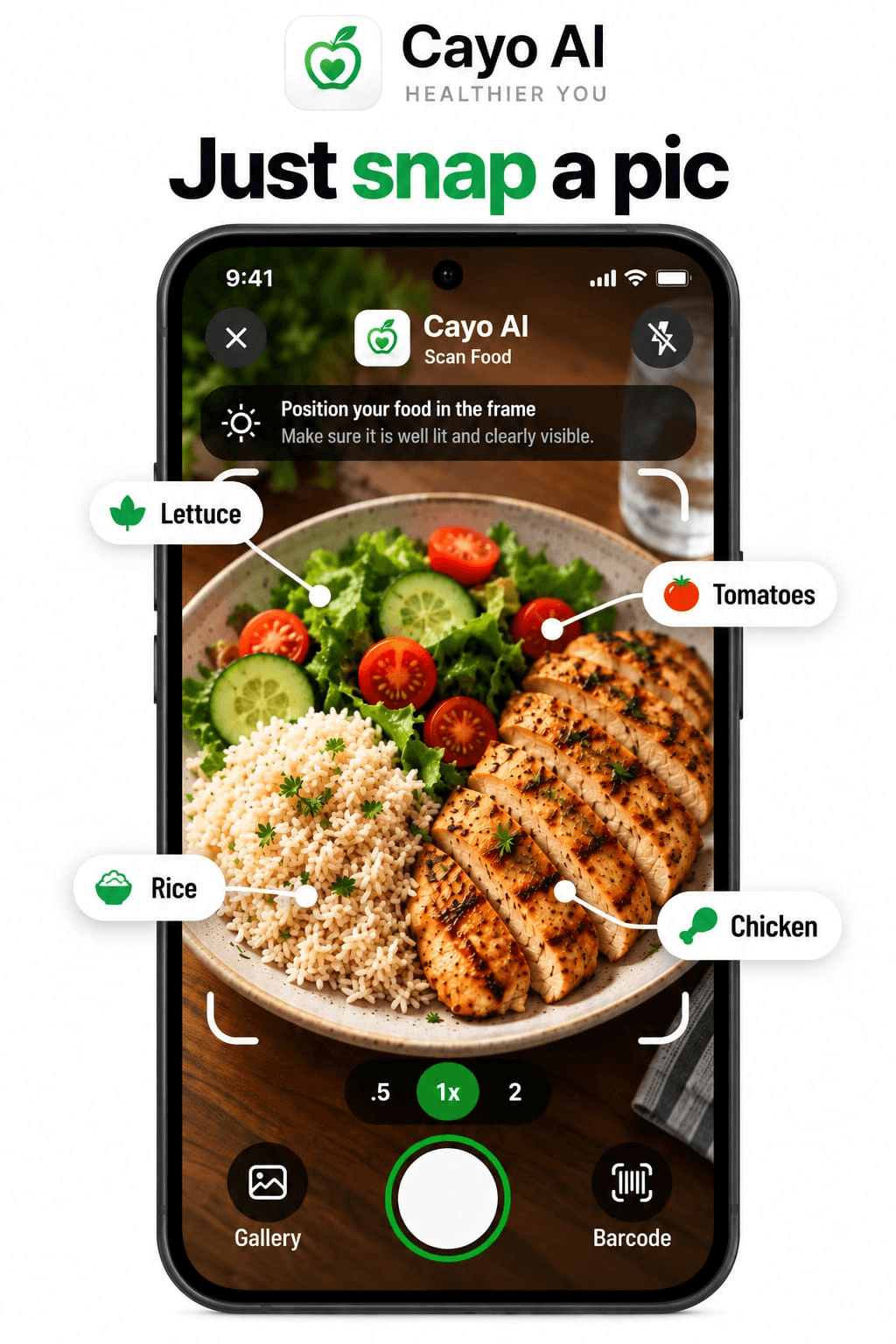
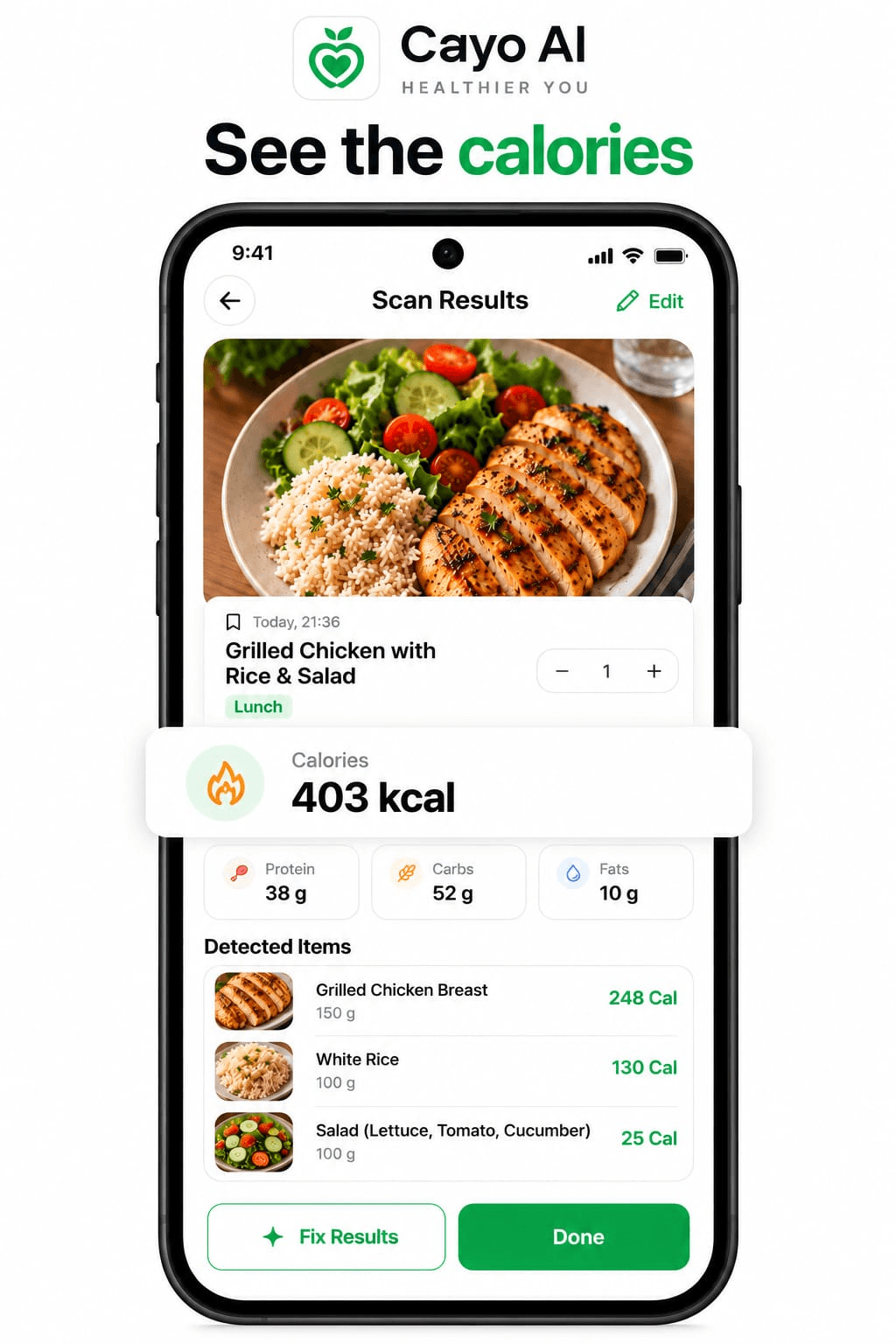
Snap your meals and log water, steps and sleep throughout the day in a few taps.
Step 4: Track your progress
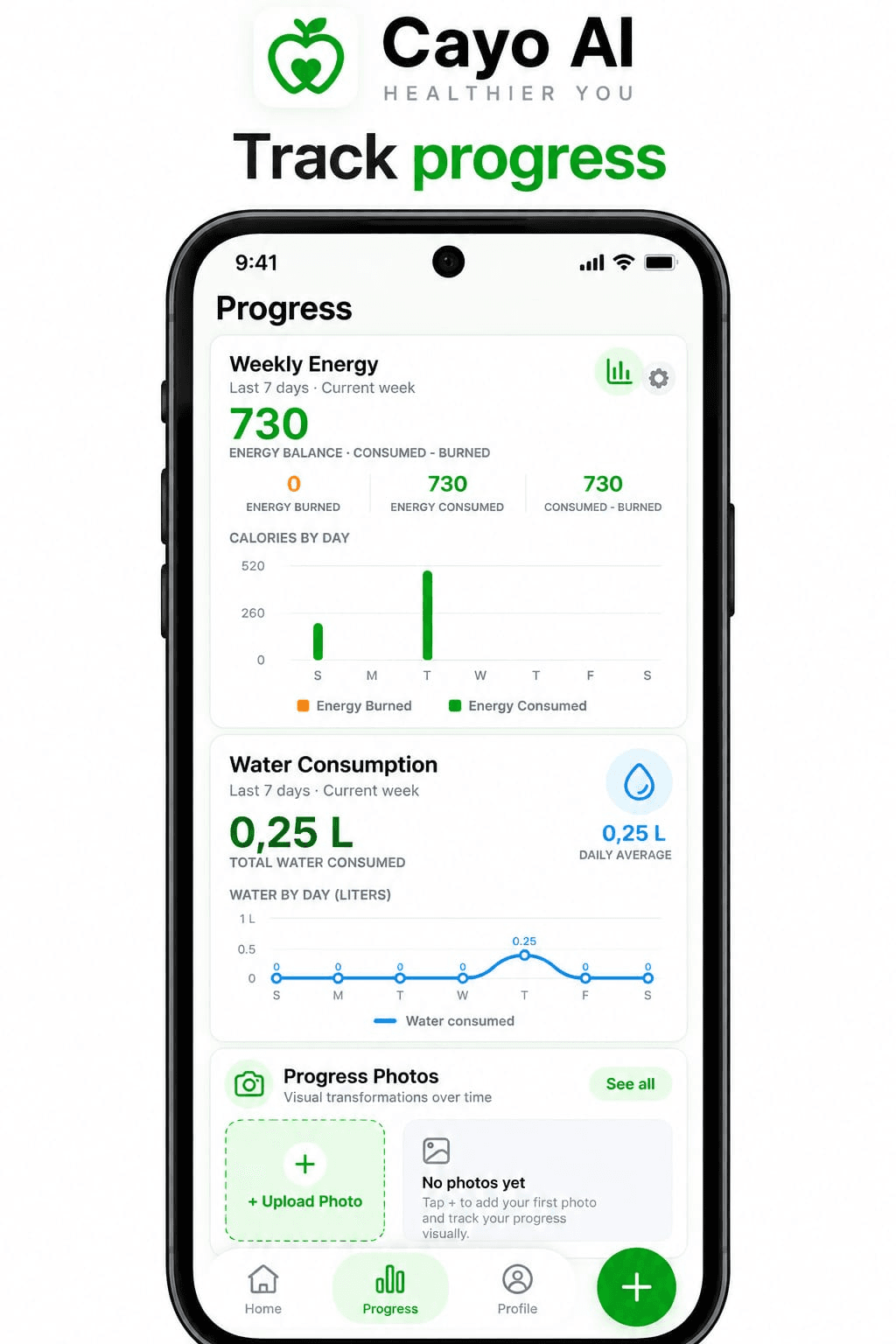
Review your calories, macros and trends over time and adjust as you go.
Your day with Cayo AI
From breakfast to bedtime
FAQ
Common questions
How does food scanning work?
You take a photo of your meal in the app. Cayo AI analyses the image to identify the food and estimate its nutritional values, which you can review and adjust before saving.
Is Cayo AI a medical app?
No. Cayo AI is a general wellness and nutrition tracker. Nutrition values are estimates and the app does not provide medical advice. Always consult a qualified professional about medical or dietary concerns.
Which devices are supported?
Cayo AI is built for Android and iOS. See the Download page for store links.
Start tracking your health with Cayo AI
Scan food, hit your macros and keep an eye on water, steps and sleep — all in one app.